
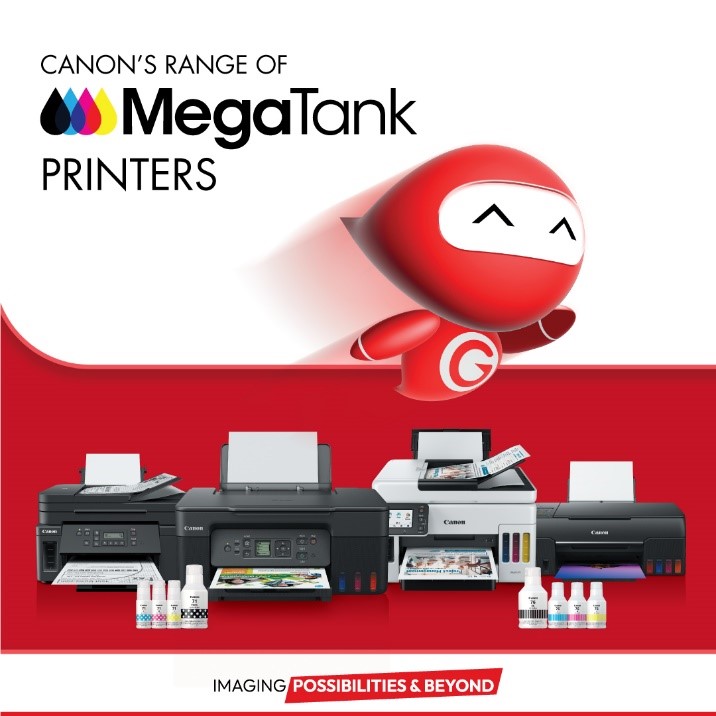
(Example: Canon MegaTank PIXMA G2460 – applies to all MegaTank models)
Canon’s MegaTank printers are known for their low printing cost and long-term reliability. They use refillable ink tanks instead of cartridges, filled with bottled inks — typically Black, Cyan, Magenta, and Yellow. Some models include extra colors for better photo quality.
However, a common issue users encounter is that the printer stops printing one or more colors, even though the ink levels appear full.
🔍 Possible Cause
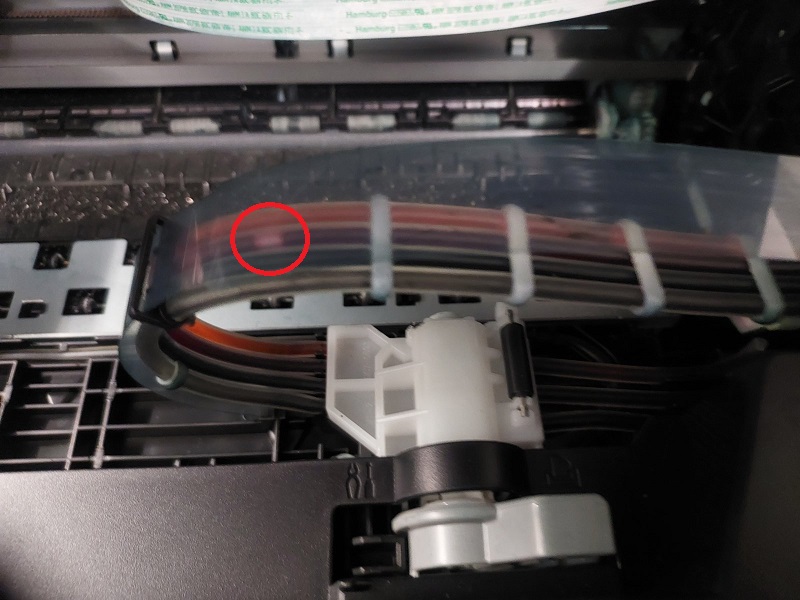
MegaTank printers rely on plastic tubes that carry ink from the tanks to the printhead. Over time, air bubbles may form inside these tubes, interrupting the flow of ink.
This can happen when:
-
The printer is unused for long periods.
-
There is humidity or temperature fluctuation.
-
The tubes have uphill segments inside the printer body.
-
The printer was moved or shaken.
The result is that ink no longer reaches the printhead properly, and one or more colors stop printing.
🔎 How to Confirm the Problem
Open the top lid of your printer (for example, the PIXMA G2460). You’ll see the ink tubes running from the tanks toward the printhead.
-
If you’re lucky, you might see gaps of air in the tubes — a clear sign of interrupted ink flow.
-
If the gaps are located underneath or out of view, you don’t need to disassemble the printer. You can confirm the issue later, after performing the recovery steps.
🧩 Solution – Restore Ink Flow Using Ink Flush
The best way to fix this issue is to perform an Ink Flush, which forces fresh ink through the tubes and printhead, removing air pockets.
Follow these steps:
-
In Windows 10, open any document and choose Print.
-
Select your Canon printer.
-
Click Preferences.
-
Go to the Maintenance tab.
-
Click “Maintenance and Preferences”.
-
The Canon IJ Printer Assistant Tool window will appear.
-
If it doesn’t, download it from Canon’s official website for your printer model.
-
-
Click on “Ink Flush”.
-
Before starting, make sure your ink levels are sufficient, as this process uses a significant amount of ink and takes about 10 minutes.
-
Once finished, try printing again.
-
If the problem persists, repeat the process once more.
This method fully refills the ink tubes and restores the printhead flow without the need to disassemble or manually clean the printer.
Thank you for reading our guide!
🔹 For high-quality compatible inks at low prices, visit:
👉 tonerrefill.gr
👉 easytechnology.gr
