
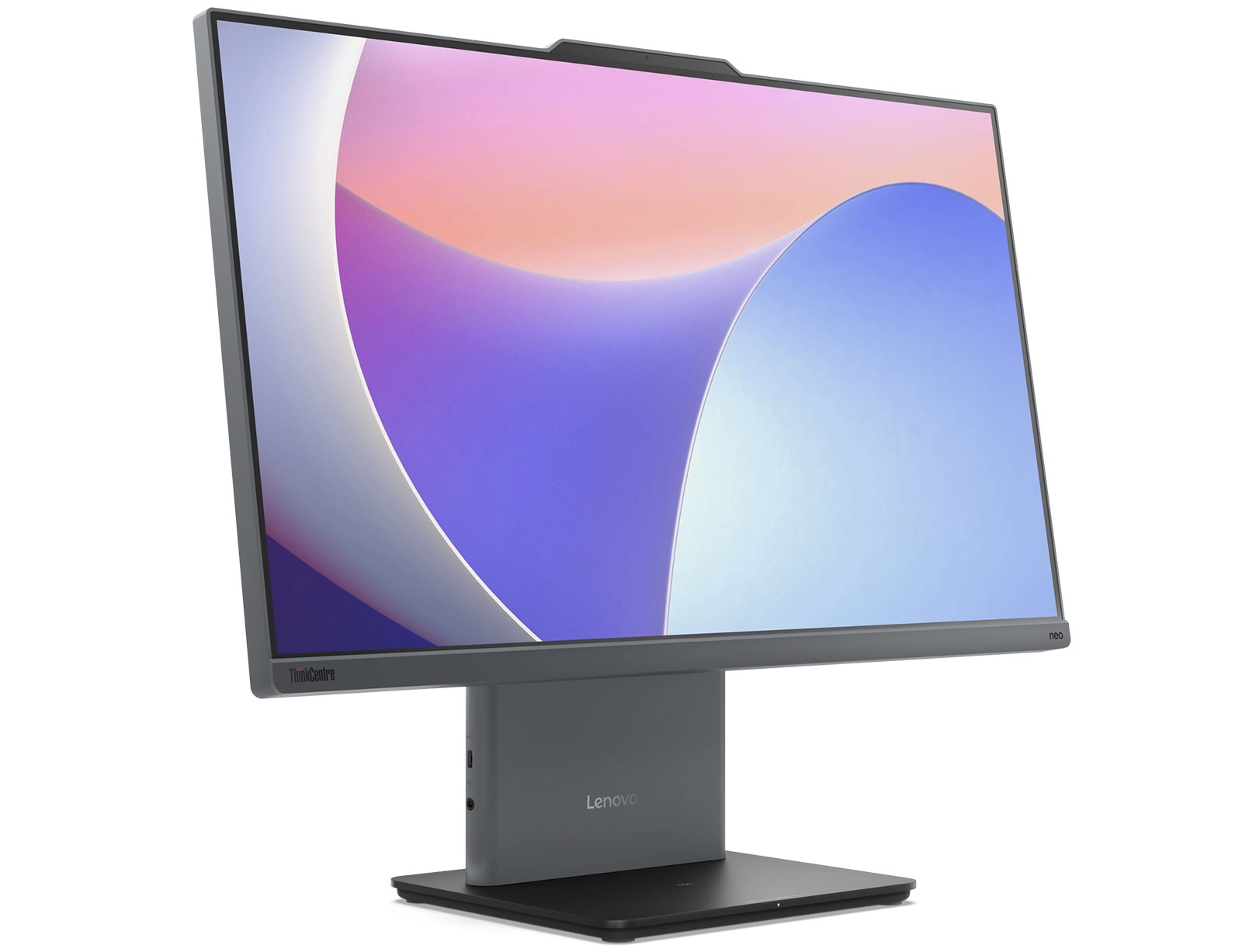
Fixing “Inaccessible Boot Device” on ThinkCentre Neo 50a-24 Gen 5 After Driver Booster Update on Windows 10
While installing Windows 10 on a Lenovo ThinkCentre All-In-One Neo 50a-24 Gen 5, everything went smoothly—until automatic driver installation was attempted using Driver Booster. After the drivers were installed and the system restarted, it failed to boot and displayed the error “Inaccessible Boot Device”.
Suggested Fix That Didn’t Work
Some users on the Lenovo forums suggested changing the “Intel VMD Controller” setting in the BIOS from Enabled to Disabled. Unfortunately, this solution did not resolve the issue for this specific model.
The Actual Working Fix
Here’s what worked:
-
Manually download and install the official Lenovo drivers instead of using third-party tools.
-
While the drivers listed on Lenovo’s site are primarily for Windows 11, they also work fine on Windows 10.
-
Download them directly from the Lenovo support page:
🔗 Neo 50a-24 Gen 5 Drivers – Lenovo Support
Conclusion
Avoid using automatic driver update tools like Driver Booster on newer Lenovo systems. These tools may install incompatible disk controller drivers (e.g., Intel VMD) that cause the operating system to fail to boot. The safest approach is always to use official drivers from the manufacturer, even if they’re listed for a different Windows version.
